

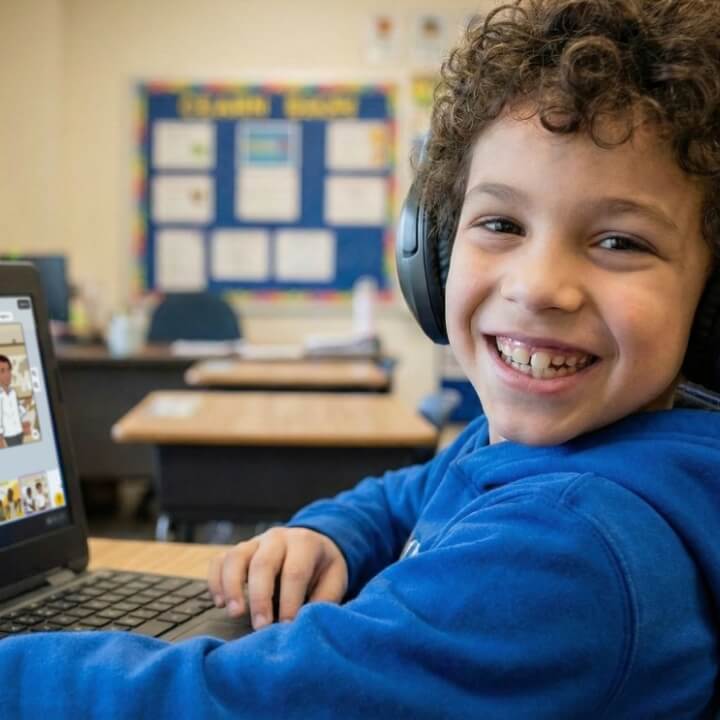




Supporting Diverse Learning Needs
Student Voice & Choice
How Pixton Supports the Whole Learner
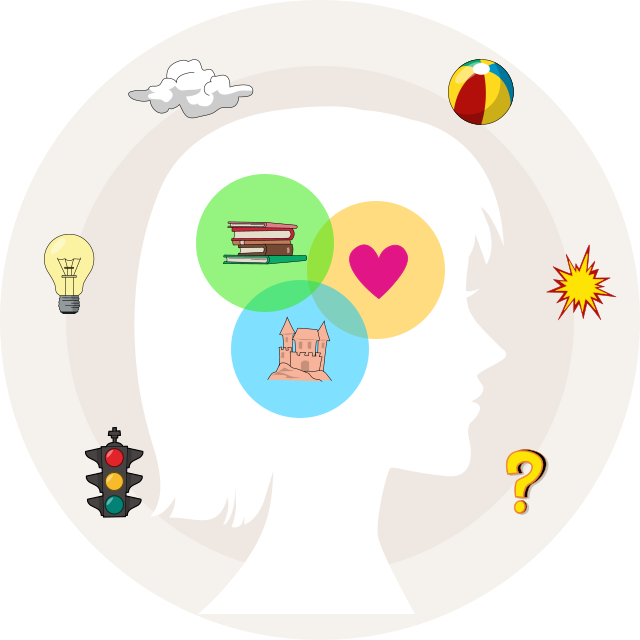
Pixton supports the whole learner by addressing how students think, feel, and communicate while they learn. By combining visual storytelling with purposeful reading and writing, Pixton reduces unnecessary cognitive load while creating meaningful opportunities for expression, connection, and understanding.
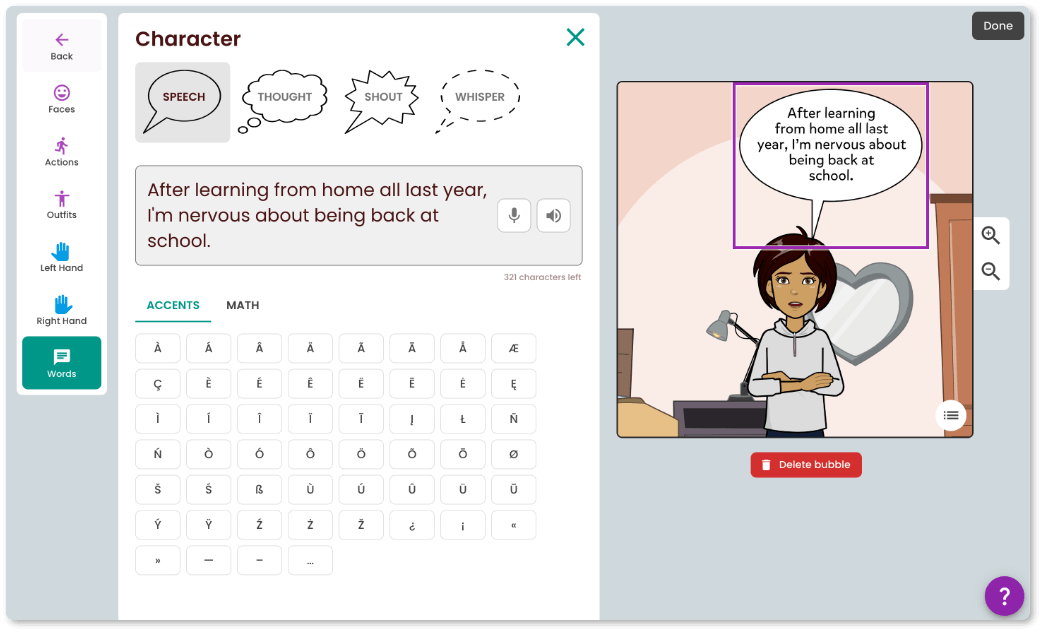
Students engage with content through images, text, and dialogue, giving them flexibility to express their ideas and demonstrate learning. Built-in scaffolds such as chunked tasks, editable panels, and vocabulary supports help students organize their thoughts and stay focused on their learning.
Additionally, Pixton’s creative comic format supports social-emotional growth. Lessons that encourage perspective-taking, creativity, and identity based storytelling help students build empathy, motivation, and a stronger sense of ownership over their learning. Together, these supports ensure that students are meeting academic expectations in ways that align to their unique strengths, needs, and interests.
Accessibility Level AA
Pixton meets the AA international standards for the Web Content Accessibility Guidelines (WCAG) that ensures people with disabilities can use websites and web tools.
We are committed to making our content accessible to people with a diverse range of hearing, movement, sight and cognitive abilities.
-
Speech-to-text
In combination with a microphone, users can utilize voice dictation as an alternative to typing. -
Text-to-speech
Users can convert written content into audio for enhanced accessibility, aiding those with visual impairments. -

Alt-text and screen reader
Our website images contain alt-text to allow screen readers to read invisible alternative text for images aloud. -
Keyboard Navigation
Navigate through elements on the website simply using your keyboard by pressing the tab or arrow keys.


Our Improvement Process
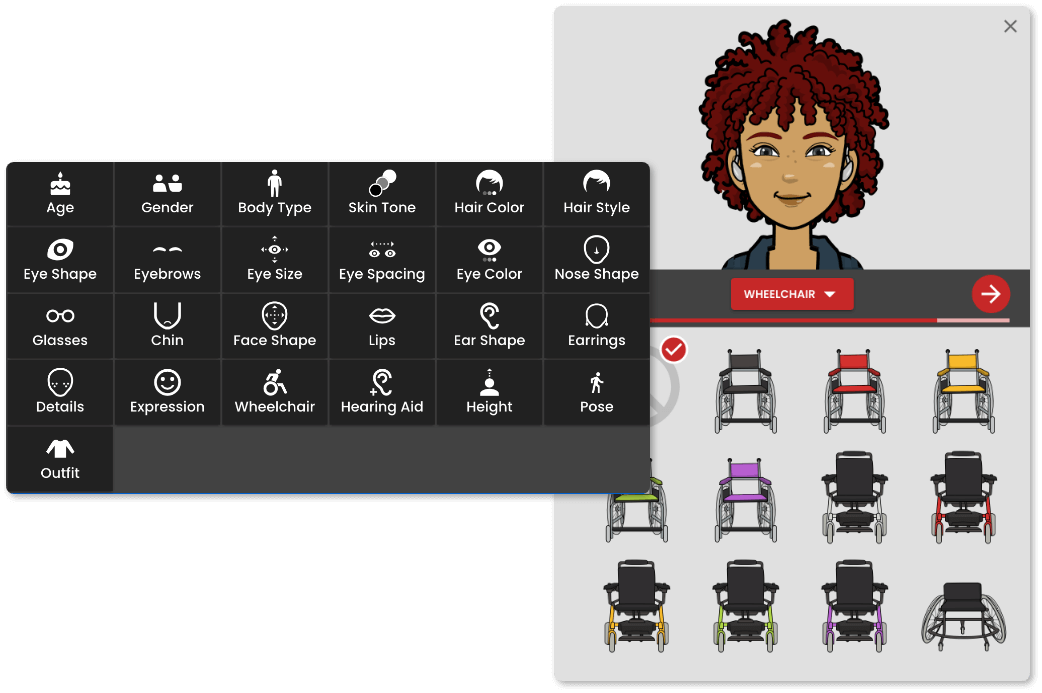
Pixton gathers continuous educator input via support requests, customer satisfaction surveys, newsletter polls, and focus groups. This feedback directly shapes our product updates. Educator input has led to more culturally diverse avatars, scenes, and props, expanded student collaboration tools, the AI Activity Maker for assigning and scoring work (with commenting coming), and major UX improvements to the Comic Maker.
Pixton also regularly adds core-subject content, refines newsletter timing and content, and strengthens alignment to state standards and reading programs, ensuring the platform continues to evolve alongside classroom needs.
To see a full list of our recent updates, visit our Product Updates page.